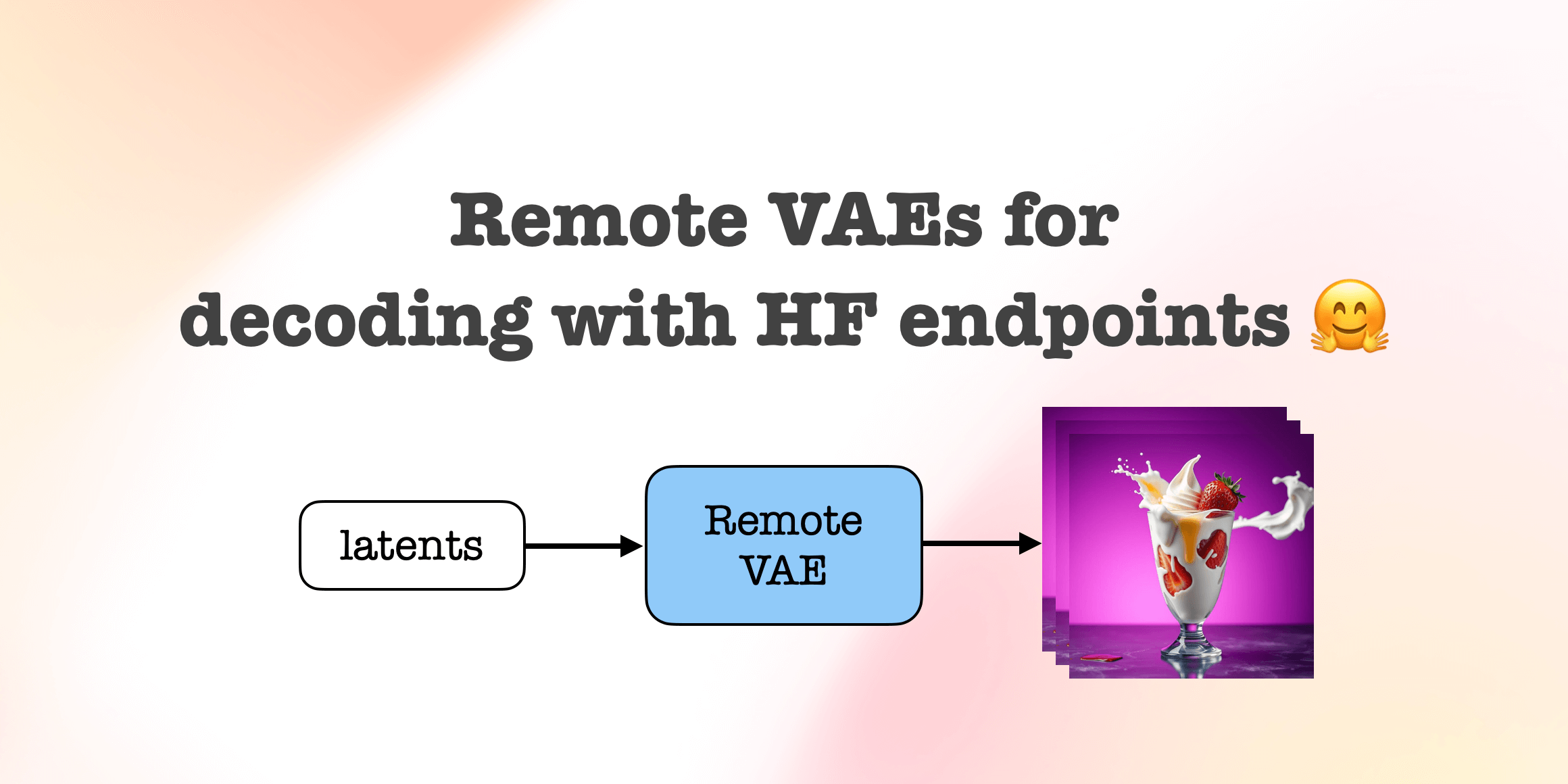
Remote VAEs for decoding with Inference Endpoints 🤗
- +35


(This post was authored by hlky and Sayak)
When operating with latent-space diffusion models for high-resolution image and video synthesis, the VAE decoder can consume quite a bit more memory. This makes it hard for the users to run these models on consumer GPUs without going through latency sacrifices and others alike.
For example, with offloading, there is a device transfer overhead, causing delays in the overall inference latency. Tiling is another solution that lets us operate on so-called “tiles” of inputs. However, it can have a negative impact on the quality of the final image.
Therefore, we want to pilot an idea with the community — delegating the decoding process to a remote endpoint.
No data is stored or tracked, and code is open source. We made some changes to huggingface-inference-toolkit and use custom handlers .
This experimental feature is developed by Diffusers 🧨
Table of contents :
- Getting started Code
- Basic example
- Options
- Generation
- Queueing
Getting started
Below, we cover three use cases where we think this remote VAE inference would be beneficial.
Code
First, we have created a helper method for interacting with Remote VAEs.
Install diffusers from main to run the code. pip install git+https://github.com/huggingface/diffusers@main
from diffusers.utils.remote_utils import remote_decodeBasic example
Here, we show how to use the remote VAE on random tensors.
image = remote_decode(
    endpoint="https://q1bj3bpq6kzilnsu.us-east-1.aws.endpoints.huggingface.cloud/",
    tensor=torch.randn([1, 4, 64, 64], dtype=torch.float16),
    scaling_factor=0.18215,
)
Usage for Flux is slightly different. Flux latents are packed so we need to send the height and width .
image = remote_decode(
    endpoint="https://whhx50ex1aryqvw6.us-east-1.aws.endpoints.huggingface.cloud/",
    tensor=torch.randn([1, 4096, 64], dtype=torch.float16),
    height=1024,
    width=1024,
    scaling_factor=0.3611,
    shift_factor=0.1159,
)
Finally, an example for HunyuanVideo.
video = remote_decode(
    endpoint="https://o7ywnmrahorts457.us-east-1.aws.endpoints.huggingface.cloud/",
    tensor=torch.randn([1, 16, 3, 40, 64], dtype=torch.float16),
    output_type="mp4",
)
with open("video.mp4", "wb") as f:
    f.write(video)
Generation
But we want to use the VAE on an actual pipeline to get an actual image, not random noise. The example below shows how to do it with SD v1.5.
from diffusers import StableDiffusionPipeline

pipe = StableDiffusionPipeline.from_pretrained(
    "stable-diffusion-v1-5/stable-diffusion-v1-5",
    torch_dtype=torch.float16,
    variant="fp16",
    vae=None,
).to("cuda")

prompt = "Strawberry ice cream, in a stylish modern glass, coconut, splashing milk cream and honey, in a gradient purple background, fluid motion, dynamic movement, cinematic lighting, Mysterious"

latent = pipe(
    prompt=prompt,
    output_type="latent",
).images
image = remote_decode(
    endpoint="https://q1bj3bpq6kzilnsu.us-east-1.aws.endpoints.huggingface.cloud/",
    tensor=latent,
    scaling_factor=0.18215,
)
image.save("test.jpg")
Here’s another example with Flux.
from diffusers import FluxPipeline

pipe = FluxPipeline.from_pretrained(
    "black-forest-labs/FLUX.1-schnell",
    torch_dtype=torch.bfloat16,
    vae=None,
).to("cuda")

prompt = "Strawberry ice cream, in a stylish modern glass, coconut, splashing milk cream and honey, in a gradient purple background, fluid motion, dynamic movement, cinematic lighting, Mysterious"

latent = pipe(
    prompt=prompt,
    guidance_scale=0.0,
    num_inference_steps=4,
    output_type="latent",
).images
image = remote_decode(
    endpoint="https://whhx50ex1aryqvw6.us-east-1.aws.endpoints.huggingface.cloud/",
    tensor=latent,
    height=1024,
    width=1024,
    scaling_factor=0.3611,
    shift_factor=0.1159,
)
image.save("test.jpg")
Here’s an example with HunyuanVideo.
from diffusers import HunyuanVideoPipeline, HunyuanVideoTransformer3DModel

model_id = "hunyuanvideo-community/HunyuanVideo"
transformer = HunyuanVideoTransformer3DModel.from_pretrained(
    model_id, subfolder="transformer", torch_dtype=torch.bfloat16
)
pipe = HunyuanVideoPipeline.from_pretrained(
    model_id, transformer=transformer, vae=None, torch_dtype=torch.float16
).to("cuda")

latent = pipe(
    prompt="A cat walks on the grass, realistic",
    height=320,
    width=512,
    num_frames=61,
    num_inference_steps=30,
    output_type="latent",
).frames

video = remote_decode(
    endpoint="https://o7ywnmrahorts457.us-east-1.aws.endpoints.huggingface.cloud/",
    tensor=latent,
    output_type="mp4",
)

if isinstance(video, bytes):
    with open("video.mp4", "wb") as f:
        f.write(video)
Queueing
One of the great benefits of using a remote VAE is that we can queue multiple generation requests. While the current latent is being processed for decoding, we can already queue another one. This helps improve concurrency.
import queue
import threading
from IPython.display import display
from diffusers import StableDiffusionPipeline

def decode_worker(q: queue.Queue):
    while True:
        item = q.get()
        if item is None:
            break
        image = remote_decode(
            endpoint="https://q1bj3bpq6kzilnsu.us-east-1.aws.endpoints.huggingface.cloud/",
            tensor=item,
            scaling_factor=0.18215,
        )
        display(image)
        q.task_done()

q = queue.Queue()
thread = threading.Thread(target=decode_worker, args=(q,), daemon=True)
thread.start()

def decode(latent: torch.Tensor):
    q.put(latent)

prompts = [
    "Blueberry ice cream, in a stylish modern glass , ice cubes, nuts, mint leaves, splashing milk cream, in a gradient purple background, fluid motion, dynamic movement, cinematic lighting, Mysterious",
    "Lemonade in a glass, mint leaves, in an aqua and white background, flowers, ice cubes, halo, fluid motion, dynamic movement, soft lighting, digital painting, rule of thirds composition, Art by Greg rutkowski, Coby whitmore",
    "Comic book art, beautiful, vintage, pastel neon colors, extremely detailed pupils, delicate features, light on face, slight smile, Artgerm, Mary Blair, Edmund Dulac, long dark locks, bangs, glowing, fashionable style, fairytale ambience, hot pink.",
    "Masterpiece, vanilla cone ice cream garnished with chocolate syrup, crushed nuts, choco flakes, in a brown background, gold, cinematic lighting, Art by WLOP",
    "A bowl of milk, falling cornflakes, berries, blueberries, in a white background, soft lighting, intricate details, rule of thirds, octane render, volumetric lighting",
    "Cold Coffee with cream, crushed almonds, in a glass, choco flakes, ice cubes, wet, in a wooden background, cinematic lighting, hyper realistic painting, art by Carne Griffiths, octane render, volumetric lighting, fluid motion, dynamic movement, muted colors,",
]

pipe = StableDiffusionPipeline.from_pretrained(
    "Lykon/dreamshaper-8",
    torch_dtype=torch.float16,
    vae=None,
).to("cuda")

pipe.unet = pipe.unet.to(memory_format=torch.channels_last)
pipe.unet = torch.compile(pipe.unet, mode="reduce-overhead", fullgraph=True)

_ = pipe(
    prompt=prompts[0],
    output_type="latent",
)

for prompt in prompts:
    latent = pipe(
        prompt=prompt,
        output_type="latent",
    ).images
    decode(latent)

q.put(None)
thread.join()
Available VAEs
Advantages of using a remote VAE
These tables demonstrate the VRAM requirements with different GPUs. Memory usage % determines whether users of a certain GPU will need to offload. Offload times vary with CPU, RAM and HDD/NVMe. Tiled decoding increases inference time.
Provide feedback
If you like the idea and feature, please help us with your feedback on how we can make this better and whether you’d be interested in having this kind of feature more natively integrated into the Hugging Face ecosystem. If this pilot goes well, we plan on creating optimized VAE endpoints for more models, including the ones that can generate high-resolution videos!
Steps:
- Open an issue on Diffusers through this link .
- Answer the questions and provide any extra info you want.
- Hit submit!
Models mentioned in this article 4
More Articles from our Blog
Introducing Modular Diffusers - Composable Building Blocks for Diffusion Pipelines
Diffusers welcomes FLUX-2
- +4
Community
The article is not so clear about some points:
- "time" does mean "inference time" or "offloading time"
- what do you mean by tiled memory / tiled time ?
- is vae tiling always happening ?
- 3 replies
I am not sure how this is unclear but in the interest of completeness.
is vae tiling always happening ?
We never mention this to be happening.
what do you mean by tiled memory / tiled time ?
Tiled memory / time mean we are applying tiling..
"time" does mean "inference time" or "offloading time"
Total round-trip time. If it meant anything else, it would have been specified like others.
Do we need Pro account for this?
No.
Hello there. Very nice implementation, works flawlessly, 2-4 seconds to decode, depending on image size.
Simple question, is there a possibility to create a local endpoint on other machine (not HF) and use it as vae-decode machine?
So a Comfy Ui implementation for example.
Comfy implementation: https://github.com/kijai/ComfyUI-HFRemoteVae
You can host the endpoint on a local machine and use it as is as shown in the blog post if the input and output schemas match.
- 1 reply
Alright, I'll give it another read. Thank you.

📻 🎙️ Hey, I generated an AI podcast about this blog post, check it out!
This podcast is generated via ngxson/kokoro-podcast-generator , using DeepSeek-R1 and Kokoro-TTS .
- 8 replies
No audio.

Very nice feature.

Great work! Just posted a video short to LinkedIn showcasing this. Check it out! https://www.linkedin.com/posts/activity-7301008441123164161-rTau?utm_source=social_share_send&utm_medium=member_desktop_web&rcm=ACoAAAI2QycBC7JU4jV0Vw61G4AWBGaE_MlKUtU

Can we get also a Wan Video 2.1 VAE for remote Decode?
· Sign up or log in to comment
- +29