
DuckDB: run SQL queries on 50,000+ datasets on the Hugging Face Hub



The Hugging Face Hub is dedicated to providing open access to datasets for everyone and giving users the tools to explore and understand them. You can find many of the datasets used to train popular large language models (LLMs) like Falcon , Dolly , MPT , and StarCoder . There are tools for addressing fairness and bias in datasets like Disaggregators , and tools for previewing examples inside a dataset like the Dataset Viewer.
We are happy to share that we recently added another feature to help you analyze datasets on the Hub; you can run SQL queries with DuckDB on any dataset stored on the Hub! According to the 2022 StackOverflow Developer Survey , SQL is the 3rd most popular programming language. We also wanted a fast database management system (DBMS) designed for running analytical queries, which is why we’re excited about integrating with DuckDB . We hope this allows even more users to access and analyze datasets on the Hub!
TLDR
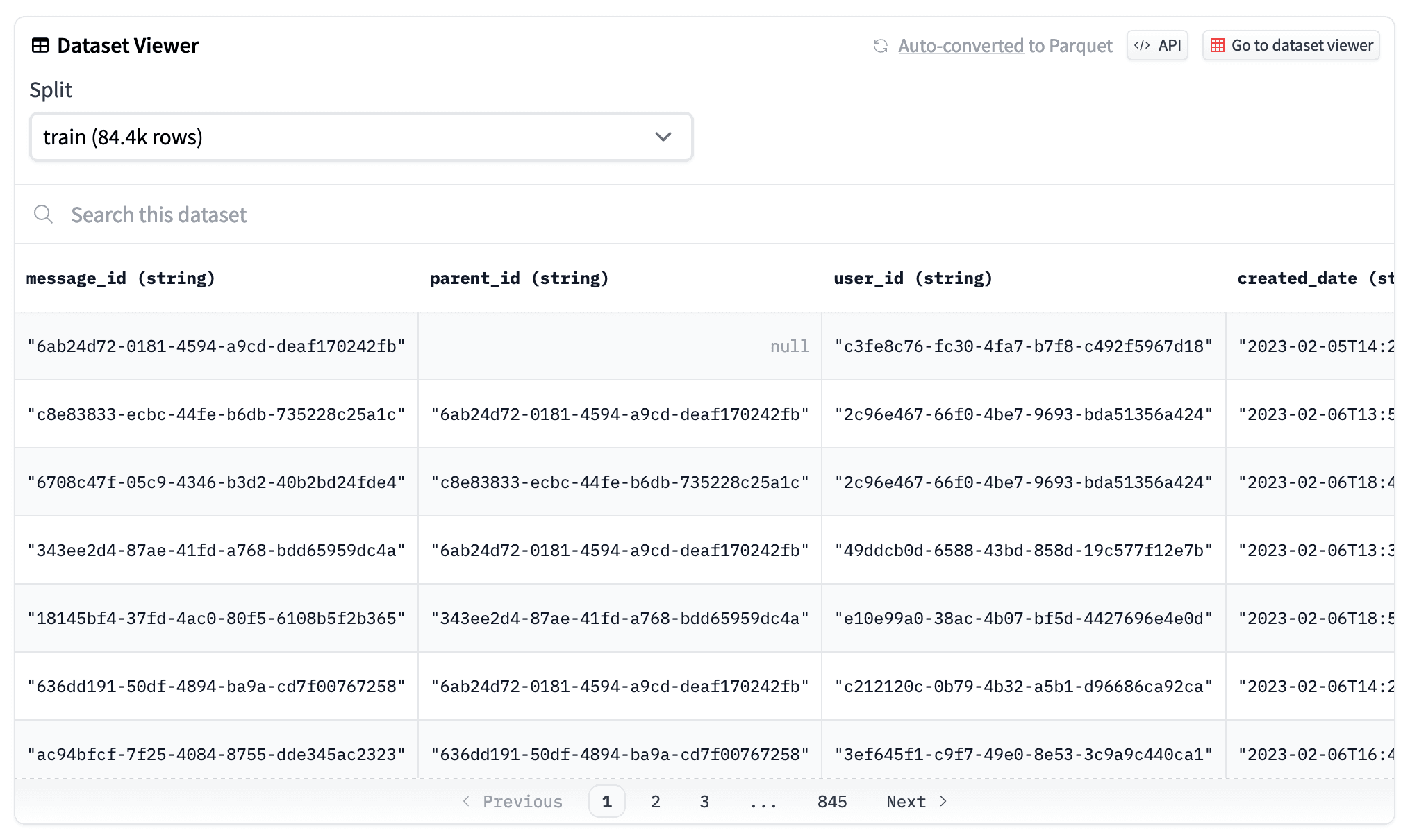
The dataset viewer automatically converts all public datasets on the Hub to Parquet files , that you can see by clicking on the "Auto-converted to Parquet" button at the top of a dataset page. You can also access the list of the Parquet files URLs with a simple HTTP call.
r = requests.get("https://datasets-server.huggingface.co/parquet?dataset=blog_authorship_corpus")
j = r.json()
urls = [f['url'] for f in j['parquet_files'] if f['split'] == 'train']
urls
['https://huggingface.co/datasets/blog_authorship_corpus/resolve/refs%2Fconvert%2Fparquet/blog_authorship_corpus/blog_authorship_corpus-train-00000-of-00002.parquet',
 'https://huggingface.co/datasets/blog_authorship_corpus/resolve/refs%2Fconvert%2Fparquet/blog_authorship_corpus/blog_authorship_corpus-train-00001-of-00002.parquet']
Create a connection to DuckDB and install and load the httpfs extension to allow reading and writing remote files:
import duckdb

url = "https://huggingface.co/datasets/blog_authorship_corpus/resolve/refs%2Fconvert%2Fparquet/blog_authorship_corpus/blog_authorship_corpus-train-00000-of-00002.parquet"

con = duckdb.connect()
con.execute("INSTALL httpfs;")
con.execute("LOAD httpfs;")
Once you’re connected, you can start writing SQL queries!
con.sql(f"""SELECT horoscope,
    count(*),
    AVG(LENGTH(text)) AS avg_blog_length
    FROM '{url}'
    GROUP BY horoscope
    ORDER BY avg_blog_length
    DESC LIMIT(5)"""
)
To learn more, check out the documentation .
From dataset to Parquet
Parquet files are columnar, making them more efficient to store, load and analyze. This is especially important when you're working with large datasets, which we’re seeing more and more of in the LLM era. To support this, the dataset viewer automatically converts and publishes any public dataset on the Hub as Parquet files. The URL to the Parquet files can be retrieved with the /parquet endpoint.
Analyze with DuckDB
DuckDB offers super impressive performance for running complex analytical queries. It is able to execute a SQL query directly on a remote Parquet file without any overhead. With the httpfs extension, DuckDB is able to query remote files such as datasets stored on the Hub using the URL provided from the /parquet endpoint. DuckDB also supports querying multiple Parquet files which is really convenient because the dataset viewer shards big datasets into smaller 500MB chunks.
Looking forward
Knowing what’s inside a dataset is important for developing models because it can impact model quality in all sorts of ways! By allowing users to write and execute any SQL query on Hub datasets, this is another way for us to enable open access to datasets and help users be more aware of the datasets contents. We are excited for you to try this out, and we’re looking forward to what kind of insights your analysis uncovers!
Datasets mentioned in this article 4
More Articles from our Blog
How to Use Transformers.js in a Chrome Extension
Welcome Gemma 4: Frontier multimodal intelligence on device
- +3
Community
· Sign up or log in to comment